

Best Educational Games for 3-Year-Olds (2026): 15 Tested Picks for First-Tablet Families
Quick Answer (Featured Snippet)
The best apps for 3 year olds in 2026 are short, sensory, and routine-shaped — not school-shaped. Our #1 pick, First Gadget (18/18), turns a 3-year-old's first routines (brushing teeth, tidying up) into 5-minute quests with Kevin the Fox. Sago Mini School, Busy Shapes, and Khan Academy Kids follow: calm, ad-free, and matched to what the CDC says three-year-olds actually need.
In this guide:
Why Age 3 Is Developmentally DifferentWhat Should a 3-Year-Old Be Learning? (CDC Milestones)Top 5 Apps: The Hero MatrixBest Apps by Skill (Fine Motor, Phonics, Math)How Much Screen Time Can a 3-Year-Old Handle?Comparison Table: Free vs. Paid vs. OfflineFrequently Asked Questions
Age 3: When Screens Become Your Tool — Or Your Problem
Three is the age of the first tablet. According to Common Sense Media's 2025 Census, children ages 2–4 now average 2 hours and 8 minutes of screen time per day — and 40% of kids already have a tablet of their own by age two (58% by four). Meanwhile, the American Academy of Pediatrics guideline for ages 2–5 remains one hour per day of high-quality content. The gap between what the guidelines say and what families actually do is exactly why I wrote this guide.
If you are looking for our complete cross-age evaluation framework, explore our 25 Best Educational Games for Kids of All Ages.
This is my answer to that gap: 15 apps for 3-year-olds, all tested with real kids, all mapped to CDC milestones for age 3, and all verified with transparent 2026 pricing. You will get the overstimulation risk, the offline skill transfer, and — the part most app lists skip — what your child should be doing after the tablet goes down. Because at three, the screen is not the lesson. The lesson is what happens when the screen turns off.
Why Age 3 Is Different From 4 and 5
A three-year-old is not a small four-year-old. Developmentally, age three is the bridge between toddler and preschooler, and it changes what the right app looks like.
According to the CDC's Milestones by Age 3, most 3-year-olds (about 75% by the CDC's milestone benchmarks) can draw a circle after being shown one, hold a back-and-forth conversation, ask who/what/where/why questions, and notice other children and join them in play. At four, the checklist shifts to pretend play, drawing a person with three or more body parts, and telling what comes next in a story. The skill window at age 3 is not academics. It is sensory exploration, cause-and-effect, motor control, and the very first daily routines.
That distinction matters for three core reasons:
- Attention spans are brief: A 3-year-old sustains focus in 5–10 minute bursts. A 45-minute structured curriculum app will fail before it starts.
- Icon-only input: Most three-year-olds cannot read menus. The app must be navigable entirely by visual cues and clear audio.
- Physical transference: At this age, the brain wires habits by doing — washing hands, sorting socks, putting toys into bins. The best apps for 3 year olds are the ones whose gameplay ends in a real-world action.
There is also a population reality: only about 64% of American 3-year-olds are "on track" for healthy development and school readiness (Child Trends, NSCH data). The right app, used correctly, feeds development instead of replacing real-world connection.
What Should a 3-Year-Old Be Learning?
Start with the CDC checklist, then map each milestone to an app. Here is the exact breakdown I used in testing:
Three-year-olds learn through their hands, their voices, and their bodies. Treat the app as a 5-minute warm-up for real-world play. Every pick below earned its place because it feeds offline skill transfer.
The Best Educational Games for 3-Year-Olds in 2026
I tested 15 apps over three weeks with children ages 2.5–4 and their parents. All 15 made our final recommended roster, categorized by skill.
How We Tested & Ranked
Each app was scored on three core criteria (scored 1–6; 6 = excellent, inverted scale — maximum score 18/18), adapted from pediatric media frameworks used by the American Academy of Pediatrics and Common Sense Media:
- Milestone mapping — does the app train a verified CDC milestone for age 3, or just entertain?
- Ads & overstimulation risk — ads, autoplay, manipulative reward-currency loops, and infinite mechanics penalize the score.
- Offline skill transfer — does the child do the activity in real life after the session, or only on screen?
A note on bias: First Gadget is the app I co-founded, and it scored 18/18 on these metrics. It is listed first for that reason — and every other pick's trade-offs are noted with radical honesty below.
🏆 Hero Matrix: The 5 Apps That Actually Work
#1 — First Gadget. Best Overall for Age 3 (18/18)
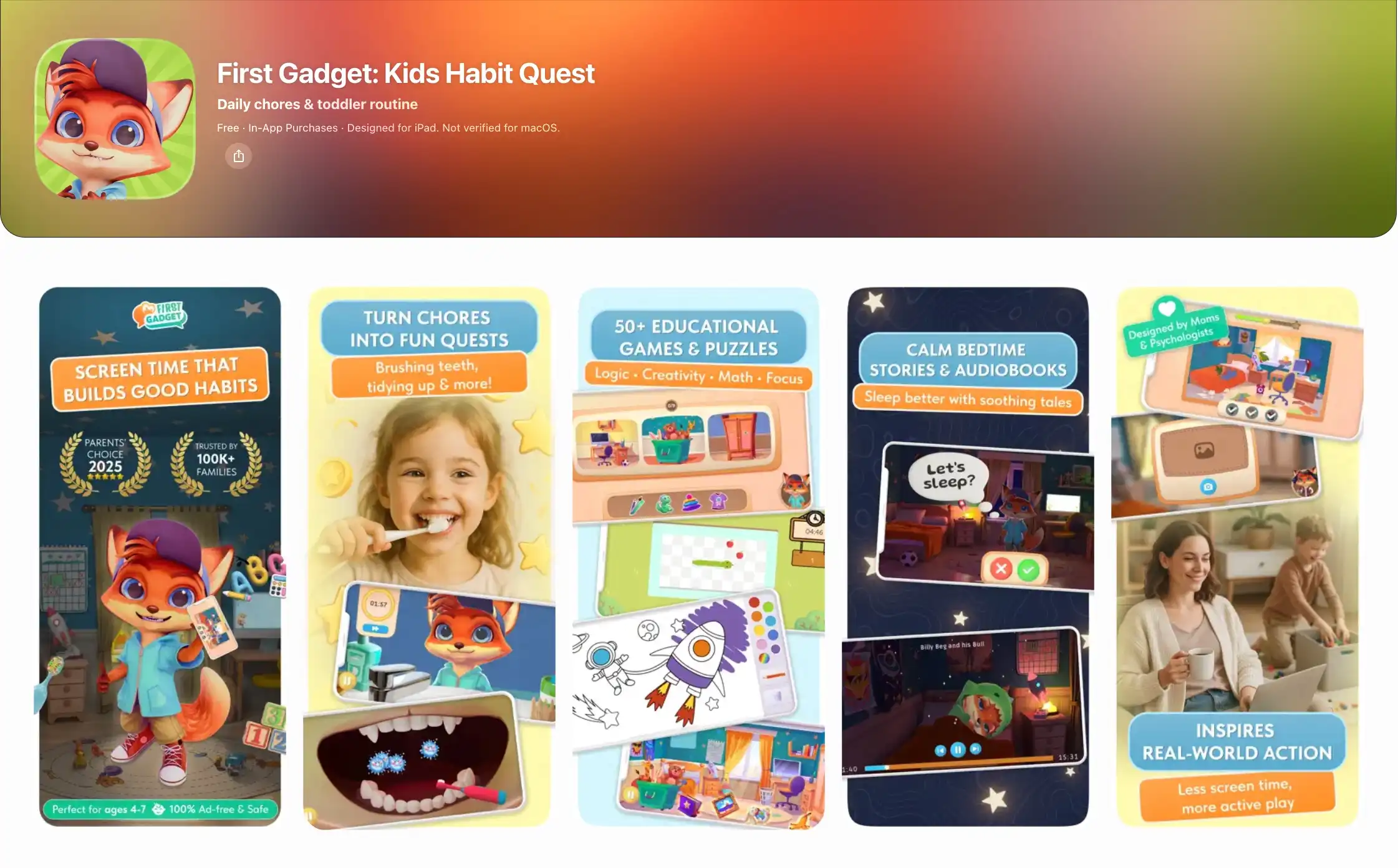
First Gadget is the only app on this list whose explicit goal is to get your child off the screen. Kevin the Fox gives a simple two-step mission — "brush your teeth, put on your pajamas" — the child watches for 3–5 minutes, closes the app, and goes to do it with parent supervision.
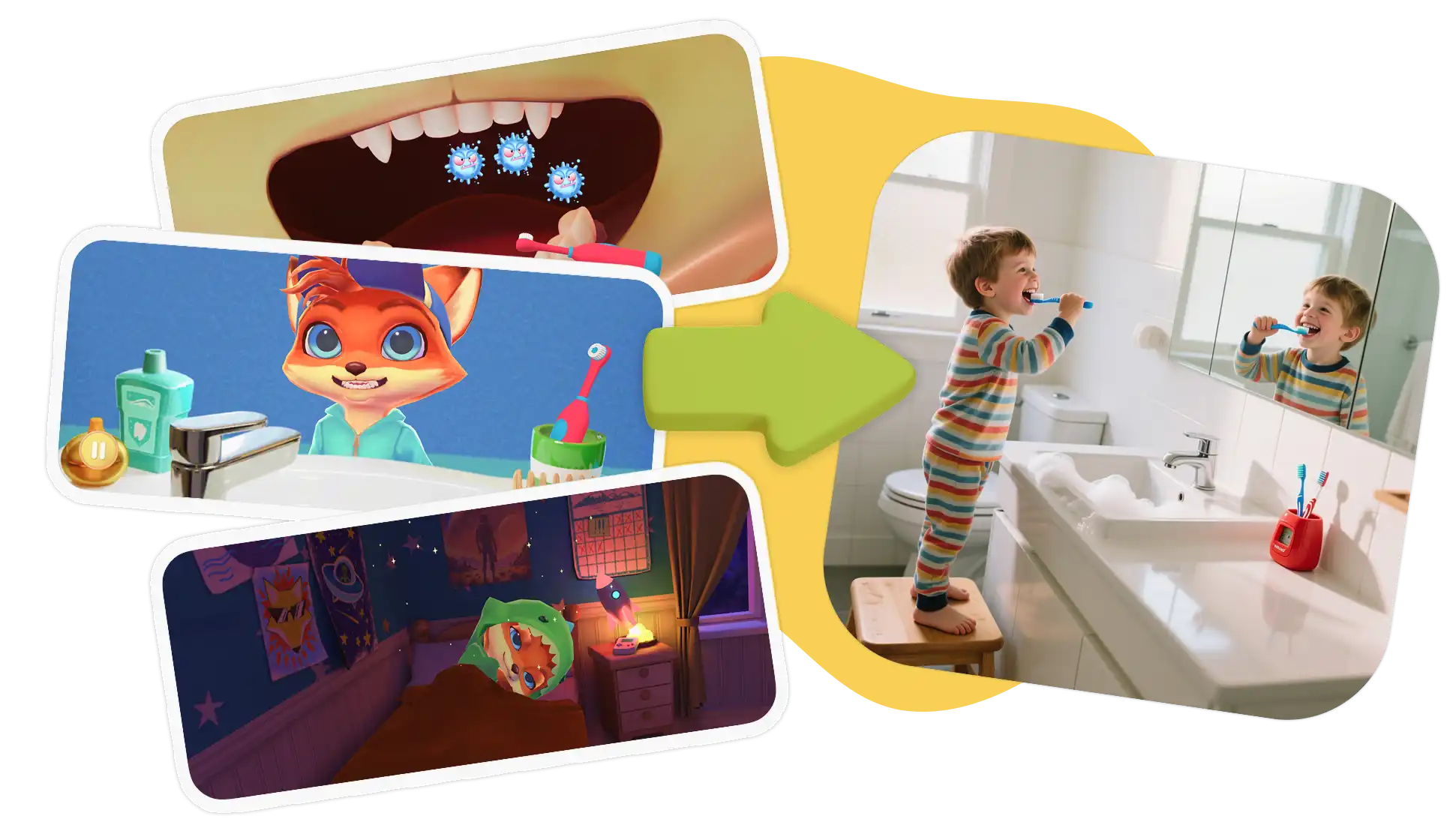
Three-year-olds are at the perfect developmental stage for this: they thrive on clear two-step instructions, and finite sessions prevent turn-off tantrums. It scored 18/18 on our metrics with zero ads, zero manipulative reward loops, and the highest offline skill transfer tested. The free tier includes core starter routines; premium is a flat $4.99/week.
The honest trade-off: It is built for routine and habit formation, not academic drills. You will still want a separate letter or shape game alongside it.
#2 — Sago Mini School. Best Sensory Play
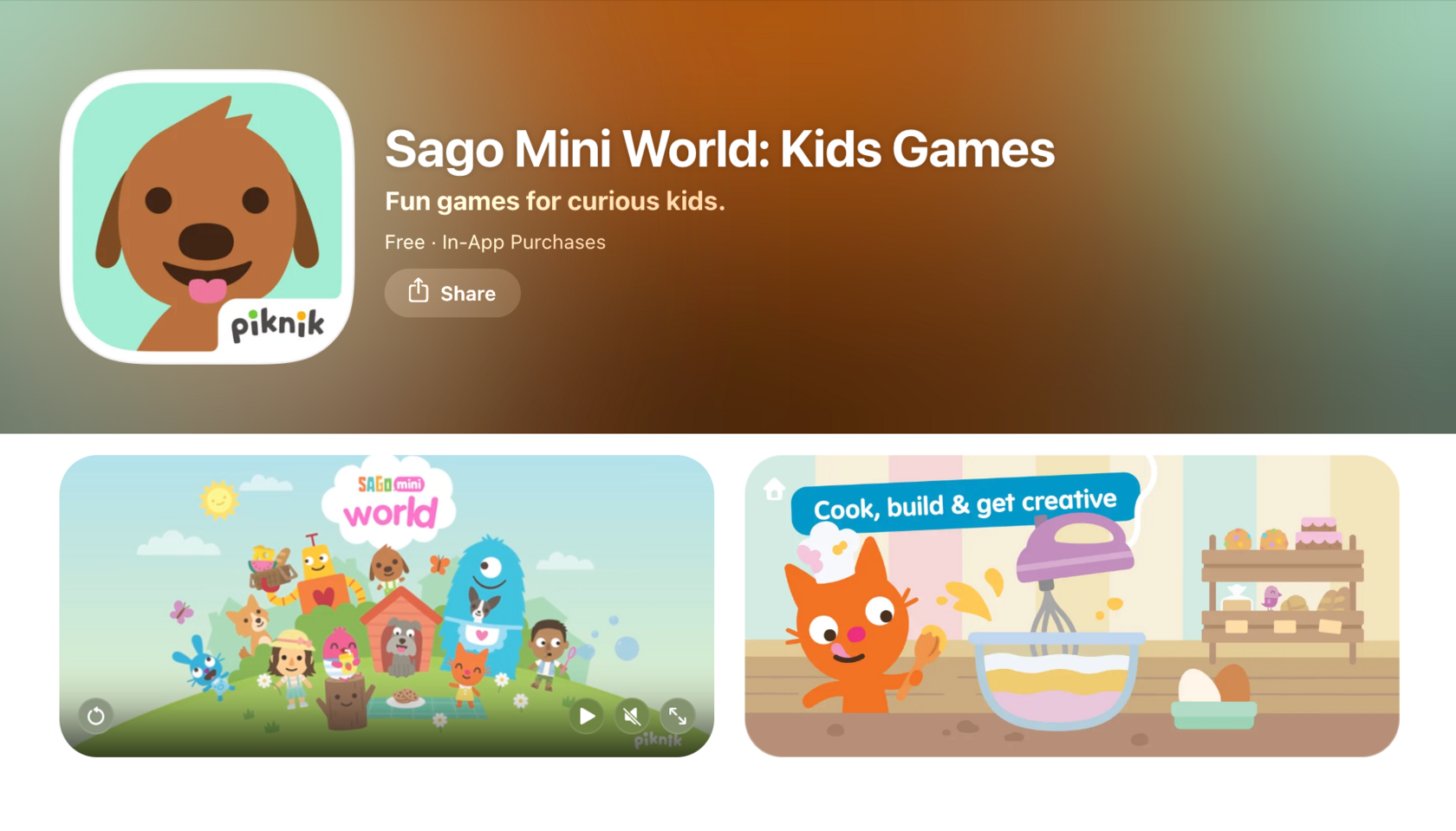
Sago Mini School is the gold standard of sensory-first design: 300+ small, gentle games covering tracing, phonics, and cause-and-effect with soft pastel colors, no timers, and no pressure. It is navigation-free by design — a 3-year-old can explore without reading a single word.
- Price: $7.99/month or $59.99/year (also part of Piknik Unlimited).
- The Trade-off: The content is open-ended, so skill progression is gentle rather than structured. Some parents find the ongoing subscription steep for freeform pretend play.
#3 — Khan Academy Kids. Best Free All-Around
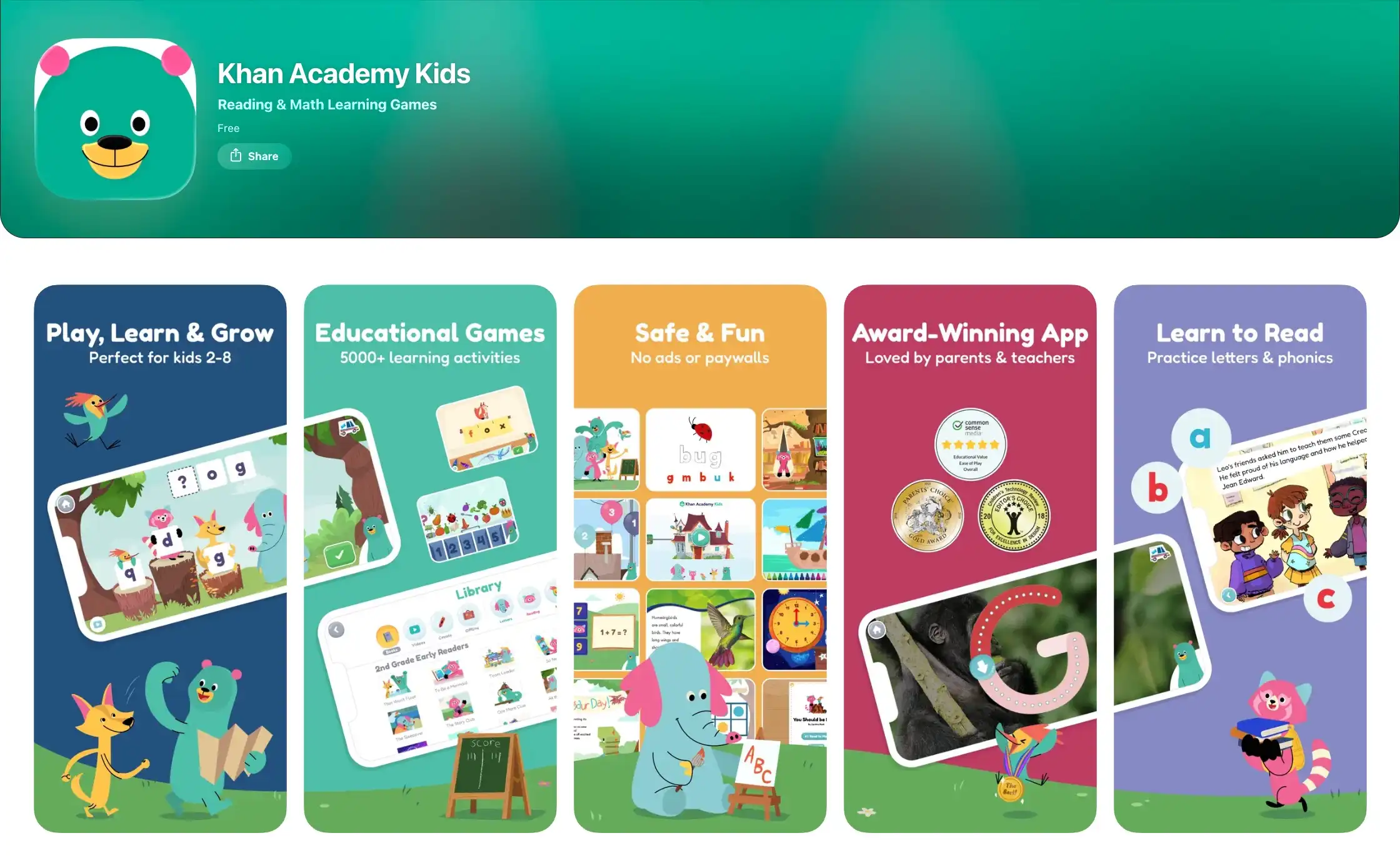
A genuinely free, ad-free library of 5,000+ activities covering letters, colors, numbers, and books, developed alongside the Stanford Graduate School of Education. It is calm, character-led, and the closest thing to a free preschool on a tablet.
- Price: 100% Free (no ads, no subscriptions).
- The Trade-off: With thousands of activities, a 3-year-old can wander aimlessly between games instead of mastering one skill. It lacks an explicit "go do it in real life" handoff, so parents must actively bridge the learning.
#4 — Busy Shapes. Best for Fine Motor & Logic
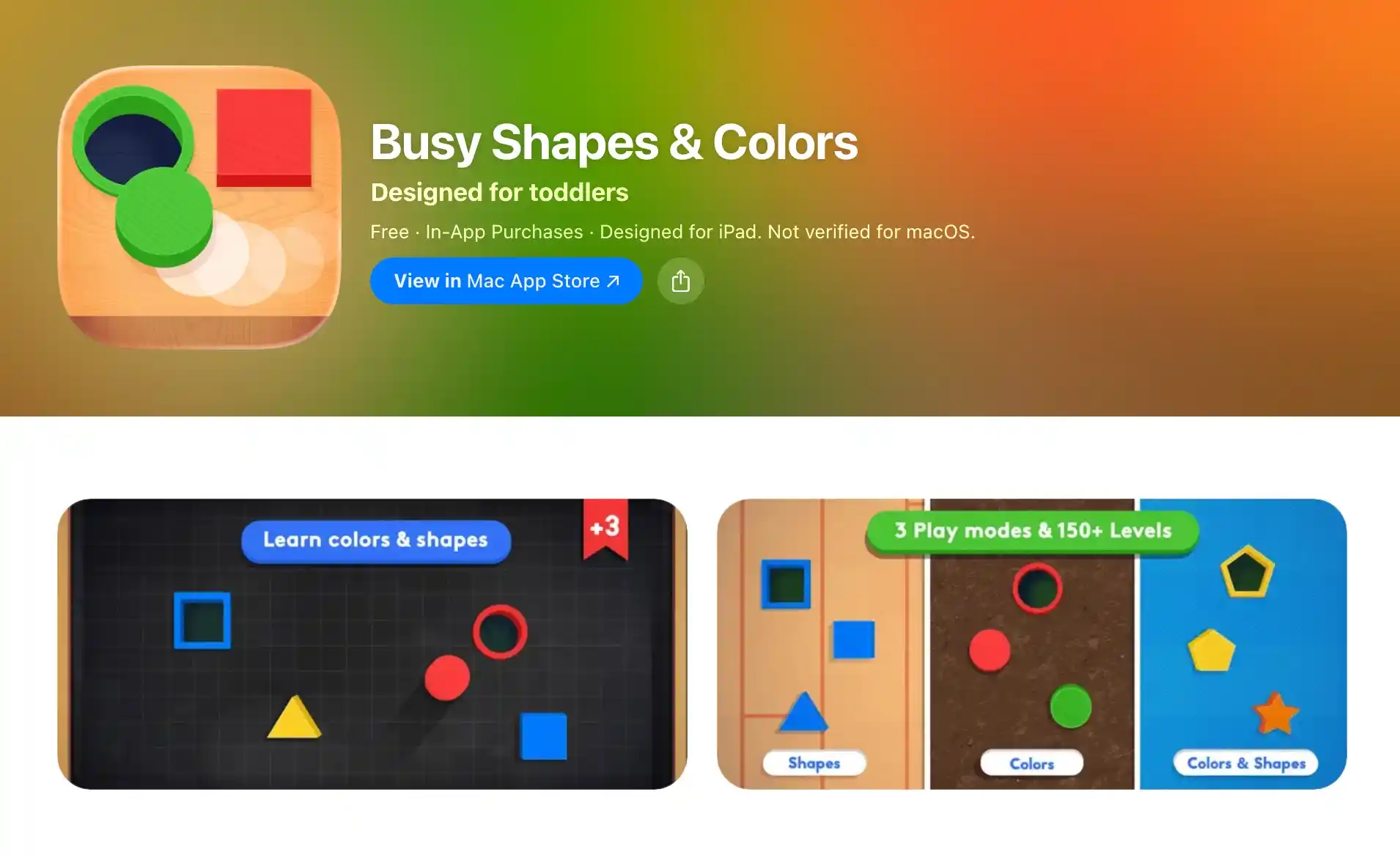
Inspired by developmental psychologist Jean Piaget, Busy Shapes presents 150+ levels of dragging shapes into matching holes. It directly trains the classification and fine motor skills on the CDC age-3 checklist (drawing circles, spatial reasoning).
- Price: $2.99 one-time purchase.
- The Trade-off: It focuses purely on logic and sorting — it will not grow with your child past age 4, and its clean minimalism lacks story-driven character engagement.
#5 — PBS Kids Games. Best for Emotional Intelligence
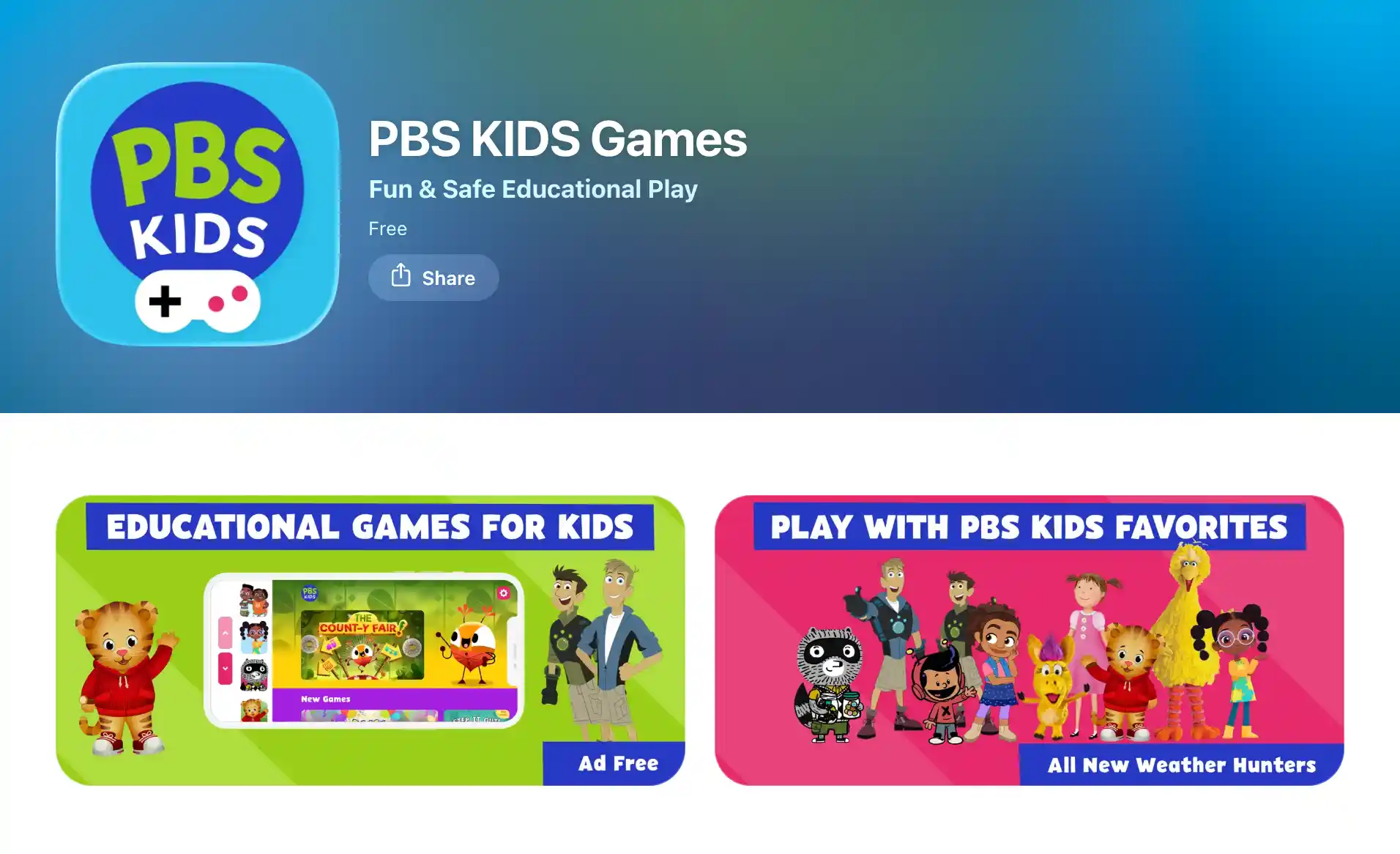
Built around beloved public broadcasting characters like Daniel Tiger and Elmo, this app focuses heavily on feelings, taking turns, and social scripts. At age 3, emotional vocabulary is a core developmental milestone, and Daniel Tiger's catchy strategy songs give parents the exact words to resolve tantrums.
- Price: 100% Free (no ads).
- The Trade-off: Video clips can autoplay in certain sections, which increases overstimulation risk. Parents should turn off autoplay in the app settings.
Best Apps by Category (Tested & Verified)
Sensory & Fine Motor
ABC Kids Tracing. Best Free Fine Motor Start
- Price: 100% Free (RV AppStudios, zero ads, zero in-app purchases).
- CDC Milestone: Fine motor control (drawing circles, lines, and letter shapes).
- The Win: Works completely offline; large visual prompts prevent accidental tap errors.
- The Trade-off: Tracing-only mechanics. It does not teach phonics or reading comprehension, so sit with your child to turn tracing into conversation.
Fish School. Best First-Touch Visual Exploration
- Price: 100% Free (Duck Duck Moose).
- CDC Milestone: Visual recognition of letters, numbers, shapes, and colors.
- The Win: Zero text menus — fish swim into letter and number formations with simple tap reactions.
- The Trade-off: Shallow depth. Most children outgrow it within 3–4 months, making it strictly an entry-level stepping stone.
Language & Vocabulary
Endless Alphabet. Best Vocabulary Star
- Price: $8.99 one-time purchase.
- CDC Milestone: Language growth & 1,000-word vocabulary expansion.
- The Win: Charming monster animations act out word definitions (like gargantuan or cooperate). Self-assembling puzzles require zero reading to enjoy.
- The Trade-off: At $8.99, it is the most expensive one-time purchase here, and it covers vocabulary exclusively.
Sesame Street Alphabet Kitchen. Best Letter Sounds
- Price: $2.99 one-time in-app purchase.
- CDC Milestone: Vowel identification and early letter blending.
- The Win: Baking letter cookies with Chef Elmo and Cookie Monster turns vowel sounds into a concrete kitchen game backed by Sesame Workshop research.
- The Trade-off: Narrow scope with a short play session length; best used as a supplemental phonics activity.
Duck Duck Moose Reading. Best Gentle Phonics Bridge
- Price: 100% Free (no ads).
- CDC Milestone: Phonemic awareness and letter-sound matching.
- The Win: 9 progressive mini-games in a calm, storybook illustration style.
- The Trade-off: Phonics-focused; younger 3-year-olds may find it abstract until natural interest in letters sparks around age 3.5.
Early Numbers & Pretend Play
Moose Math. Best Early Math Exploration
- Price: 100% Free (no ads, Duck Duck Moose).
- CDC Milestone: Pre-numeracy (counting to 10, sorting geometry).
- The Win: Five mini-games set inside a juice stand, aligned with early Kindergarten Common Core frameworks.
- The Trade-off: Aims for age 4 mastery; a young 3-year-old will need hands-on parent support.
Monkey Preschool Lunchbox. Best Adaptive Mini-Games
- Price: $1.99 one-time purchase.
- CDC Milestone: Color matching, counting, and shape sorting.
- The Win: Six rapid-fire mini-games that automatically adjust difficulty as your child succeeds.
- The Trade-off: The enthusiastic audio prompts can feel repetitive for parents in shared rooms.
Kiddopia. Best Offline All-in-One Package
- Price: $12.99/month or $79.99/year.
- CDC Milestone: Role-play, cause-and-effect, and puzzle problem-solving.
- The Win: 1,000+ activities that work 100% offline — ideal for airplane travel and long car rides.
- The Trade-off: High subscription cost. The sheer volume of games can overstimulate a 3-year-old unless parents restrict choices.
LEGO DUPLO Disney. Best Creative Construction
- Price: Freemium (StoryToys; base free, full packs require purchase).
- CDC Milestone: Pretend play and spatial cause-and-effect.
- The Win: Open-ended virtual 3D building blocks with Mickey and friends; no timers and no fail states.
- The Trade-off: Free tier is limited; check store settings to prevent accidental pack purchases.
HOMER Learn & Grow. Best Personalized Literacy
- Price: $12.99/month or $59.99/year.
- CDC Milestone: Language interest and customized early literacy.
- The Win: Builds learning tracks tailored to specific toddler passions (dinosaurs, vehicles, animals).
- The Trade-off: Expensive if used casually; requires consistent weekly sessions to justify the subscription.
How Much Screen Time Can a 3-Year-Old Handle?
The American Academy of Pediatrics guideline for ages 2–5 is no more than 1 hour per day of high-quality programming.
Yet data from the Canadian Paediatric Society shows that only 15% of children ages 3–4 stay within this limit, with the average toddler clocking 1.9–2.1 hours daily.
To manage screen time without daily arguments, follow three pediatric rules:
- Keep sessions to 5–10 minutes: A 3-year-old's natural attention span is 5–10 minutes. Use finite apps that end clearly instead of infinite scrolling loops.
- Co-view and co-do: Learning accelerates when parents sit alongside the child. After tracing a circle on the screen, draw a circle with a crayon on real paper.
- No screens in the hour before bed: Sleep is the cornerstone of early neurological development. Blue light and fast animations trigger evening cortisol spikes and bedtime battles.
Comparison Table: Free vs. Paid vs. Offline at Age 3
What Parents Say
"I used to dread the bedtime transition. With Kevin the Fox, she listens to the two-step quest and goes straight to brush her teeth without a battle. It turns screen time into an actual routine." — Sarah M., mother of a 3-year-old, Austin, TX
"The 5-minute limit is brilliant. She finishes the sorting activity, closes the tablet, and immediately starts helping me sort laundry socks. It's the only app that doesn't trigger a tantrum when closed." — David L., father of a 3-year-old, Chicago, IL
How First Gadget Helps a 3-Year-Old Start Right
The insight behind First Gadget is simple: a child's very first screen habit should strengthen their very first real-world routines.
Kevin the Fox gives your 3-year-old a short mission — brush teeth, put toys in the bin, wash hands — in a 5-minute session that matches their neurological focus window.
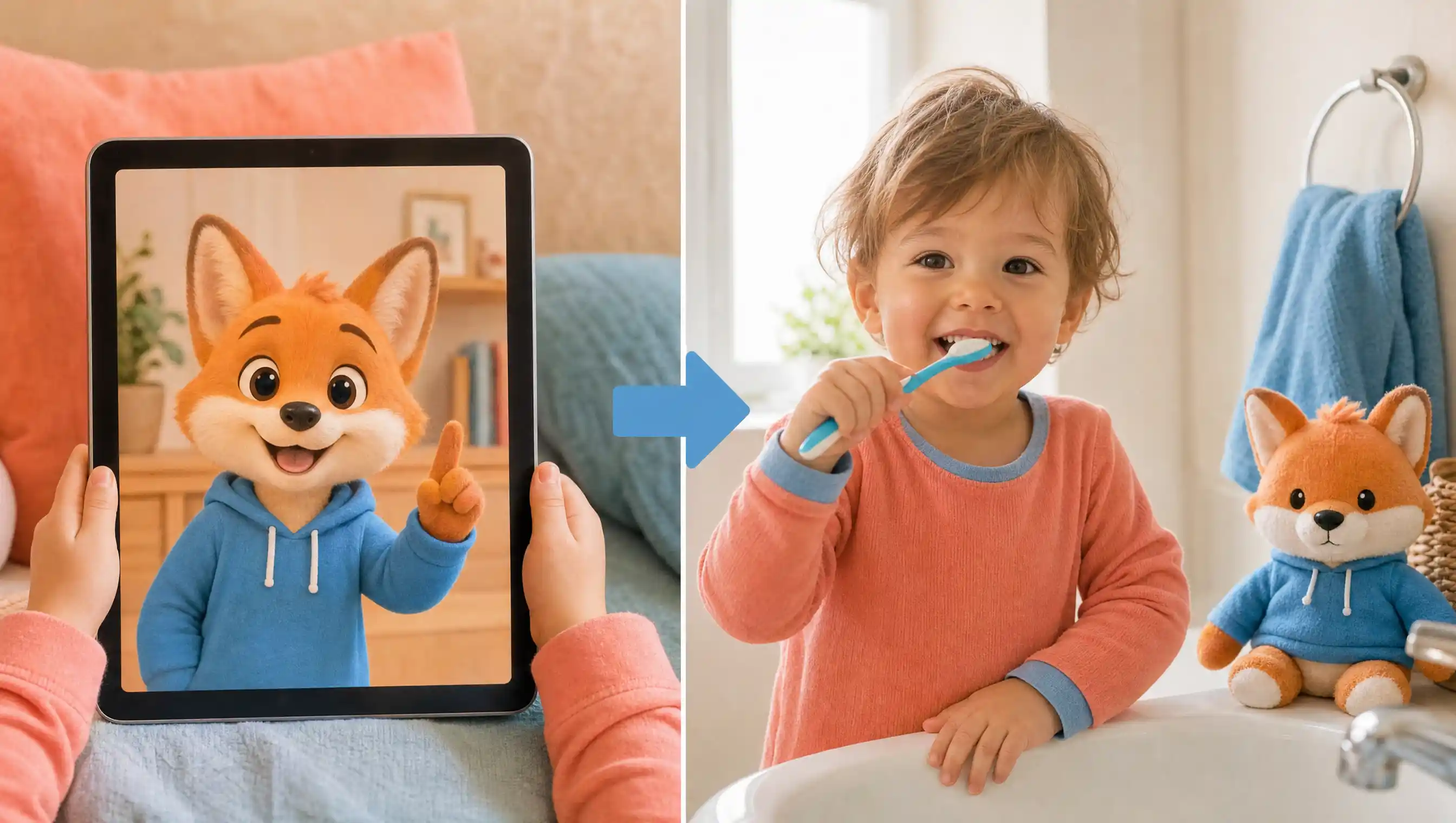
Completed real-world routines unlock simple badges and outfits for Kevin in the app, celebrating effort with zero endless coin treadmills or manipulative dopamine loops. Then the app closes, and the child carries the habit into real life. That is the Screen-to-Real methodology.
- Designed for toddlers: 50+ deliberately finite mini-games with calm audio and zero ads.
- Parent Portal: Track completed real-world habits rather than meaningless screen taps.
- Affordable pricing: Free starter quests, with full premium access at $4.99/week.
FAQ: Best Apps for 3-Year-Olds
What apps do 3 year olds play?
The best apps for 3-year-olds in 2026 are First Gadget (first daily routines), Sago Mini School (calm sensory play), Khan Academy Kids (free letters and colors), Busy Shapes (logic sorting), and PBS Kids Games (social-emotional intelligence).
What should a 3-year-old be learning?
Per CDC developmental milestones: drawing circles, holding simple back-and-forth conversations, asking questions, sorting shapes and colors, and following two-step routine directions.
How much screen time should a 3-year-old have?
The AAP recommends no more than 1 hour per day of high-quality programming. Keep sessions in short 5–10 minute blocks, co-view with your child, and turn off all screens at least 60 minutes before bedtime.
Are apps good for 3-year-olds?
Yes, provided they meet three criteria: short finite sessions, parent co-viewing, and immediate offline skill transfer (e.g., brushing teeth, building with physical blocks, or tracing with real crayons).
What are the best free apps for 3-year-olds?
Khan Academy Kids, PBS Kids Games, ABC Kids Tracing, Fish School, Duck Duck Moose Reading, and Moose Math are completely free with zero ads. You can also use the free starter tier of First Gadget.
Is a tablet safe for a 3-year-old?
Yes, with structure: keep the tablet as a shared family device, disable autoplay, select ad-free apps without loot-box mechanics, and use guided access to enforce session boundaries.
The Bottom Line: Screen First, Life Second
The best apps for 3-year-olds make the tablet the briefing, not the destination. A toddler's developmental job happens in the physical world through touch, movement, and conversation.
Start with our recommended free stack (Khan Academy Kids and ABC Kids Tracing), add one one-time logic purchase (Busy Shapes for $2.99), and install the routine builder that helps your toddler turn the screen off with a smile.

Your Parenting Co-Pilot
Less talk, more action. Turn daily routines into fun missions kids actually want to finish.
Available on iOS & Android