

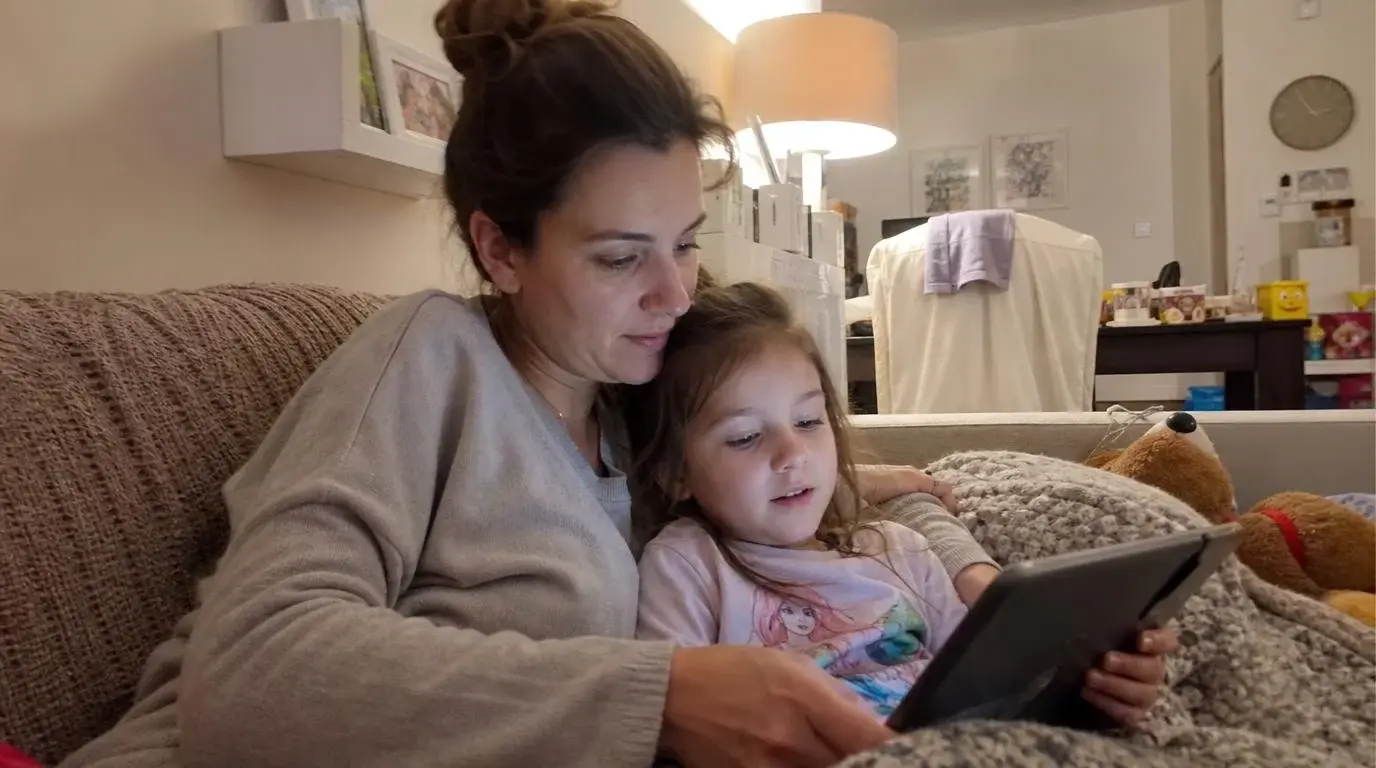
You download an "award-winning" educational app so you can finally cook dinner in peace, guilt-free. It works. The house is quiet. But 20 minutes later, when you say, "Time to turn off the tablet," the meltdown is catastrophic. Screaming, crying, and begging for "five more minutes."
Suddenly, that "educational" screen time doesn't feel so healthy anymore.
In 2026, parents are realizing a hard truth: many top-ranking learning apps use the exact same dopamine-heavy reward loops as addictive video games. Kids aren't necessarily learning math or reading; they are mindlessly tapping to unlock digital stickers. As one parent recently shared on Reddit: "I realized my son was learning how to earn virtual coins — not how to focus."
According to the 2026 guidelines from the American Academy of Pediatrics (AAP), the goal isn't just to find an app with flashcards. The goal is to find screen time that is low-stimulation, teaches real skills, and helps a child return to the real world without a fight.
After analyzing App Store reviews, Reddit parenting threads, and pediatric recommendations, we've ranked the 25 best educational games for kids. We evaluated them not just on academics, but on Overstimulation Risk and Offline Skill Transfer.
How We Evaluated These Apps (Our Methodology)
To create a list parents can actually trust, we looked beyond the marketing claims. We evaluated apps based on three core factors that modern parents care about most:
- Overstimulation Risk: Does the app use loud noises, flashing colors, and infinite play loops? High-stimulation apps lead to "turn-off tantrums."
- Offline Skill Transfer: Do the skills learned in the app help the child in real life? (e.g., routines, emotional regulation, physical play).
- Clean Exit Quality: How hard is it for the child to stop playing? Does the app have natural stopping points?
Quick Comparison: Top Educational Games 2026
The Top 5 Educational Apps (Deep Dive)
1. First Gadget — Best for Real-World Routines & Healthy Habits
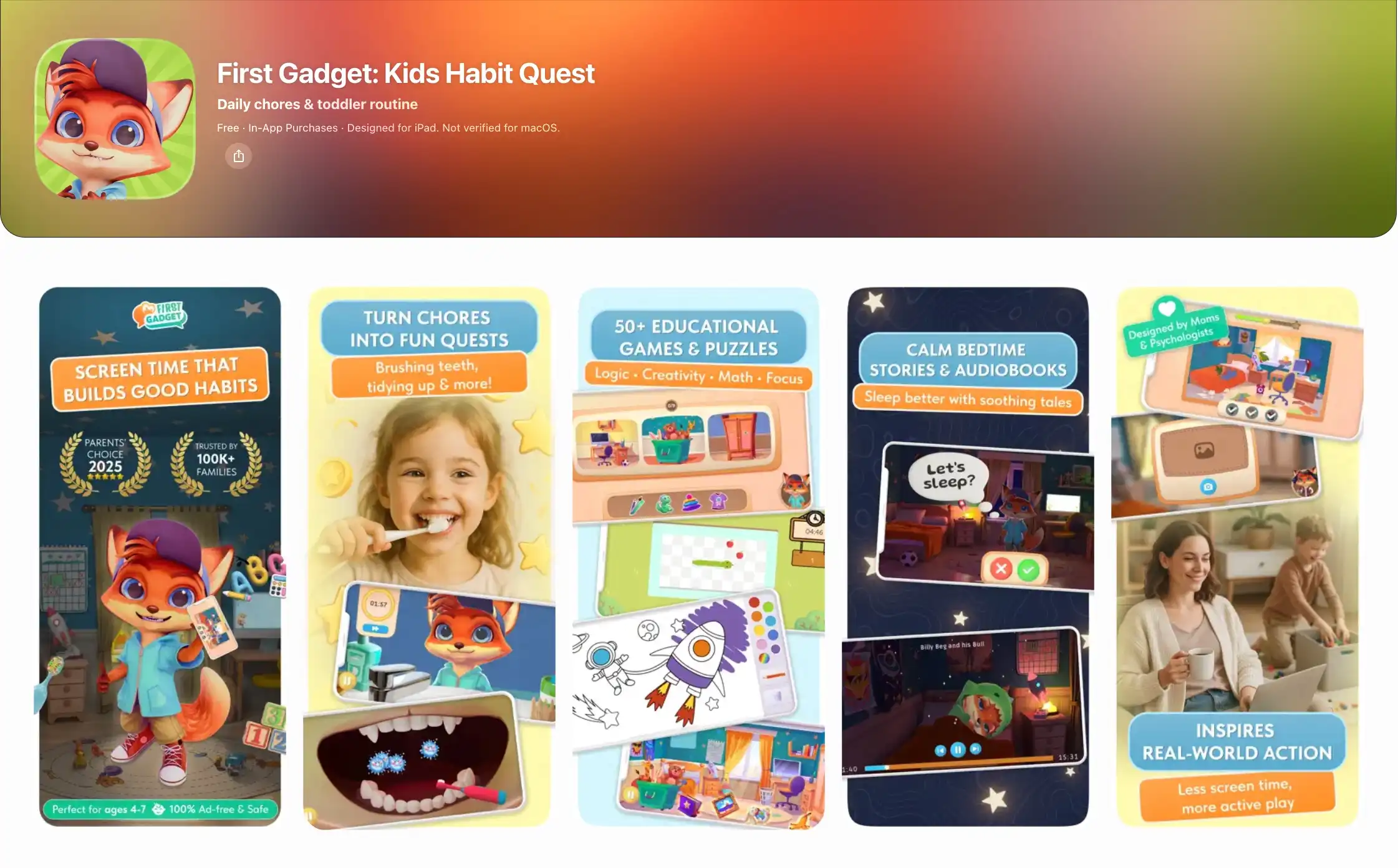
One of the biggest complaints about educational apps is that they trap kids inside the device. First Gadget is one of the few apps trying to bridge digital interaction with real-world behavior.
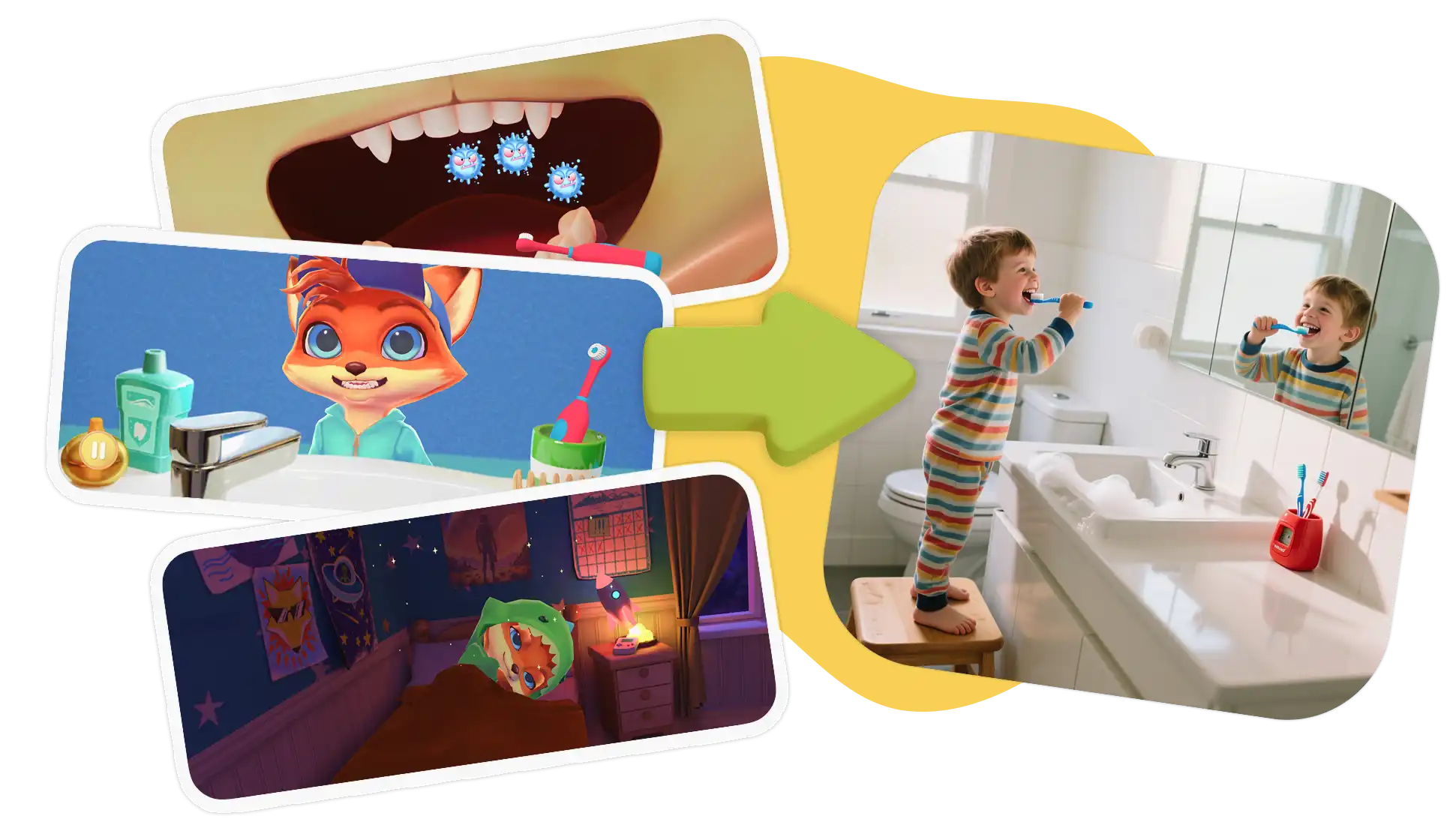
Built around the "Screen-to-Real" philosophy, First Gadget turns daily struggles—like morning routines, cleaning up, and bedtime—into exciting quests. The app’s friendly character, Kevin the Fox, gives your child a mission. They play cognitive puzzles on the device, and then Kevin prompts them to put the phone down and complete a real-world task (like brushing their teeth) to earn cool outfits.
What We Love:
- Ends Routine Battles: Turns "I don't want to" into "Look what I did!" by gamifying real chores.
- Clean Exit Quality: When the quest is over, the app signals that it's time to close the device, preventing the dreaded "turn-off tantrum."
- Better Sleep: Includes soothing audiobooks and bedtime stories to help kids wind down.
The Trade-off (Not ideal for):
First Gadget is not designed to replace a full academic school curriculum. Kids who primarily want fast-paced entertainment or pure math drills may initially find the routine-based structure less instantly stimulating than traditional game apps.
2. Khan Academy Kids — Best Free Academic App
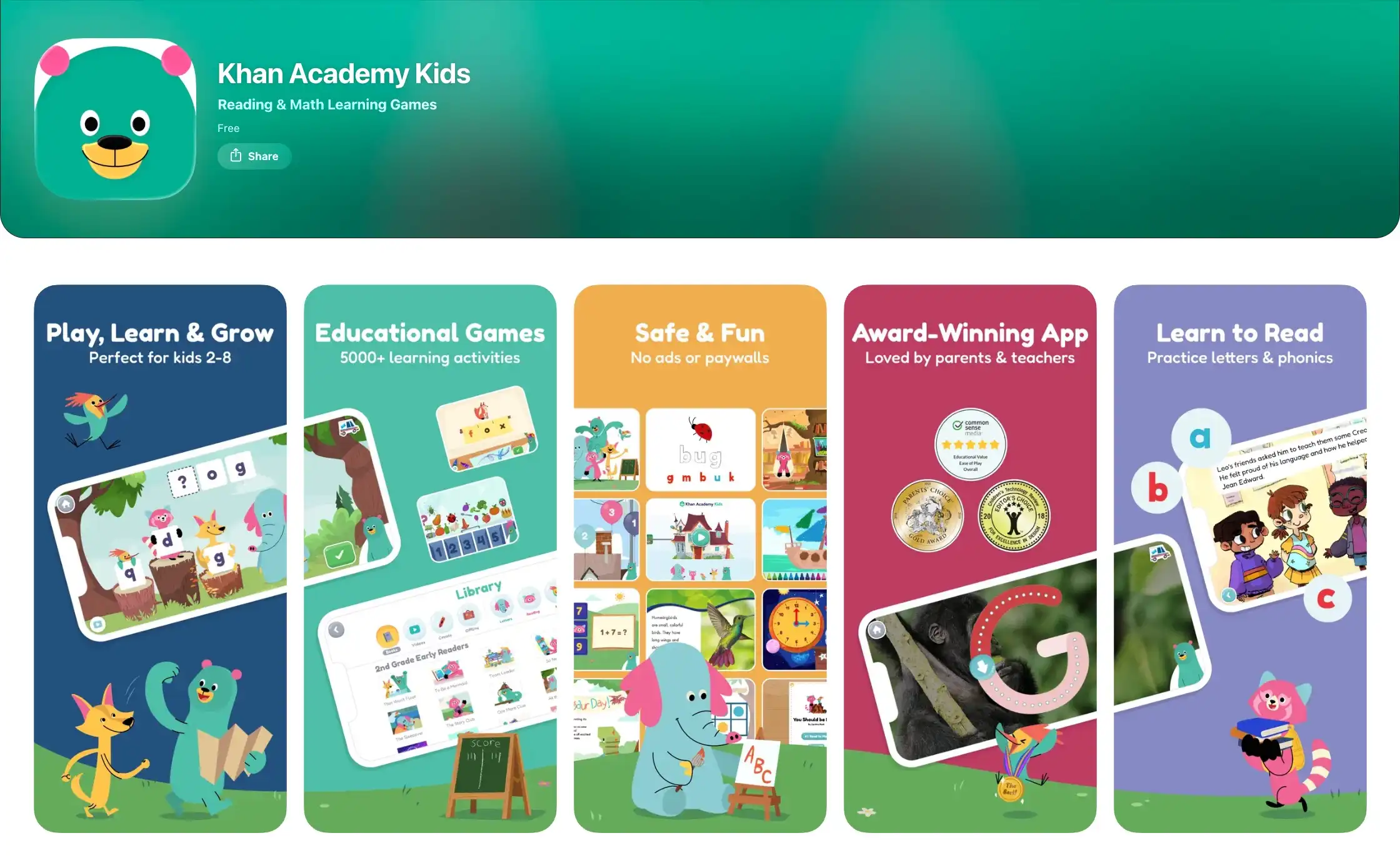
Khan Academy Kids remains one of the easiest recommendations for parents who want a strong academic foundation without paying a subscription. It covers early math, reading, language arts, and social-emotional learning.
What We Love:
- It is 100% free forever, with absolutely no ads.
- The curriculum is highly structured and built in collaboration with early-learning experts, making it excellent for preschool prep.
The Trade-off (Not ideal for):
Like most traditional learning tools, it is entirely screen-bound. Some parents also note that the activities can feel slightly repetitive for older children (ages 6+).
3. ABCmouse — Best for Structured Kindergarten Prep
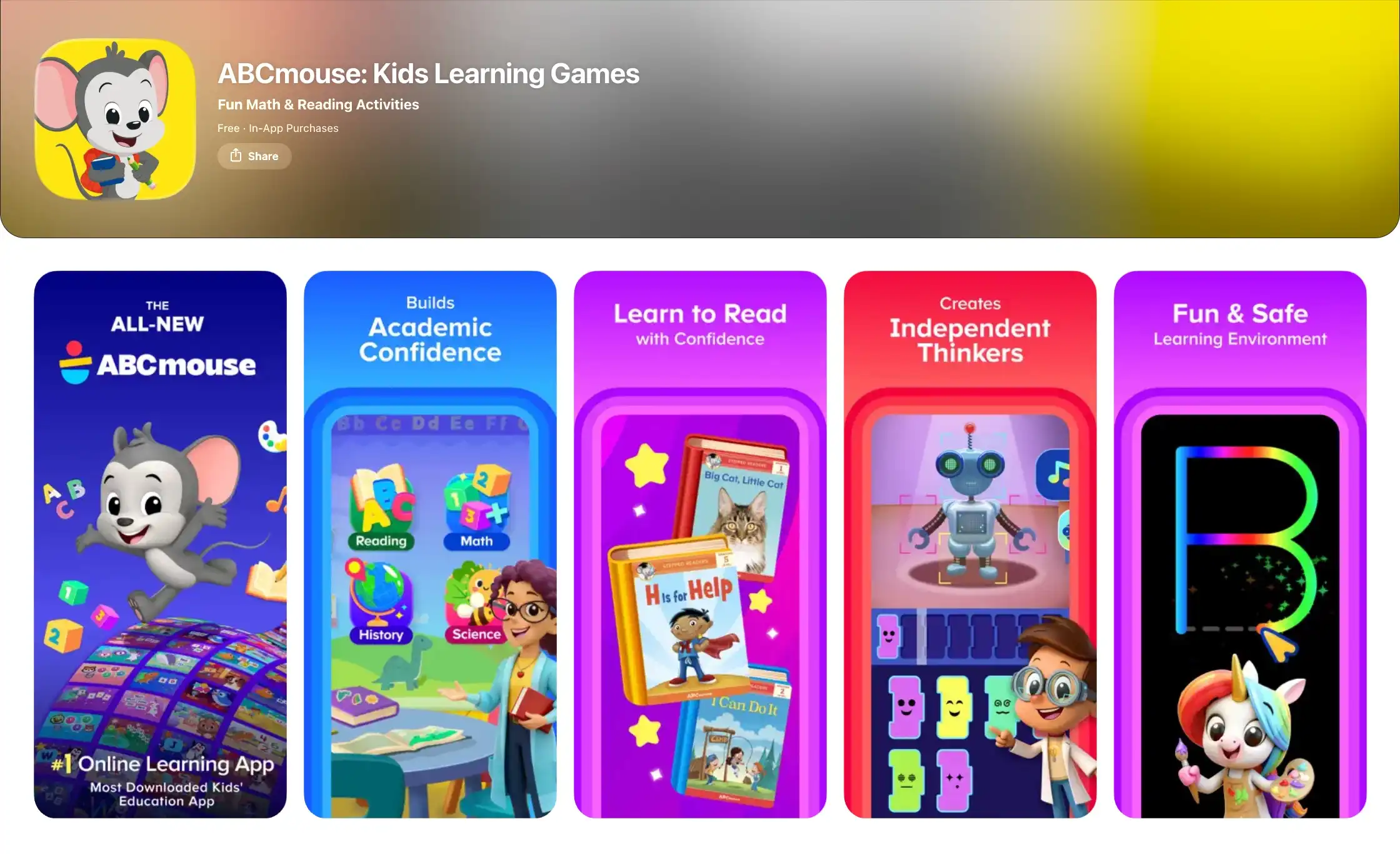
ABCmouse is a giant in early childhood learning, offering a massive, step-by-step path across reading, math, science, art, and music.
What We Love:
- The sheer volume of content is unmatched.
- Kids who love clear levels and unlocking virtual rewards will stay highly engaged and motivated to learn.
The Trade-off (Not ideal for):
- Independent reviews often point out the high "dopamine risk." Because it relies heavily on digital tickets and virtual pet stores, the app can be very difficult for a child to put down without crying, making it less ideal for sensitive or easily overstimulated kids.
4. Pok Pok — Best Low-Stimulation Creative App
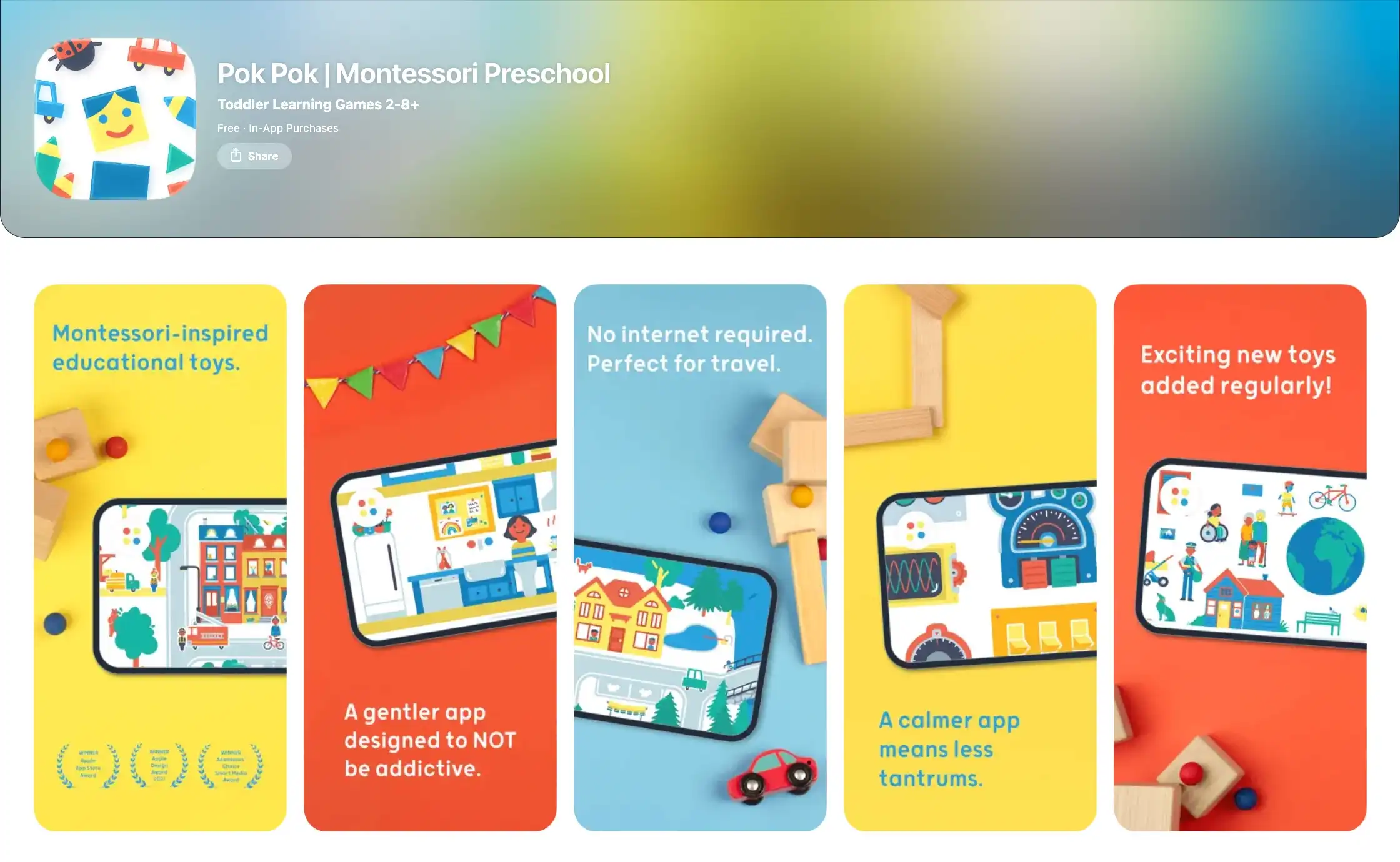
Pok Pok is a beautifully designed, Montessori-inspired "digital playroom." It focuses on exploration, creativity, and child-led interaction rather than flashy animations and constant cheering.
What We Love:
- Incredibly calming sound design and visuals.
- Perfect for kids who get easily overstimulated or have sensory processing sensitivities.
The Trade-off (Not ideal for):
- Parents wanting structured kindergarten prep (like learning the alphabet or adding numbers) won't find it here. It is purely open-ended play.
5. Kiddopia — Best for Kids Who Need Variety
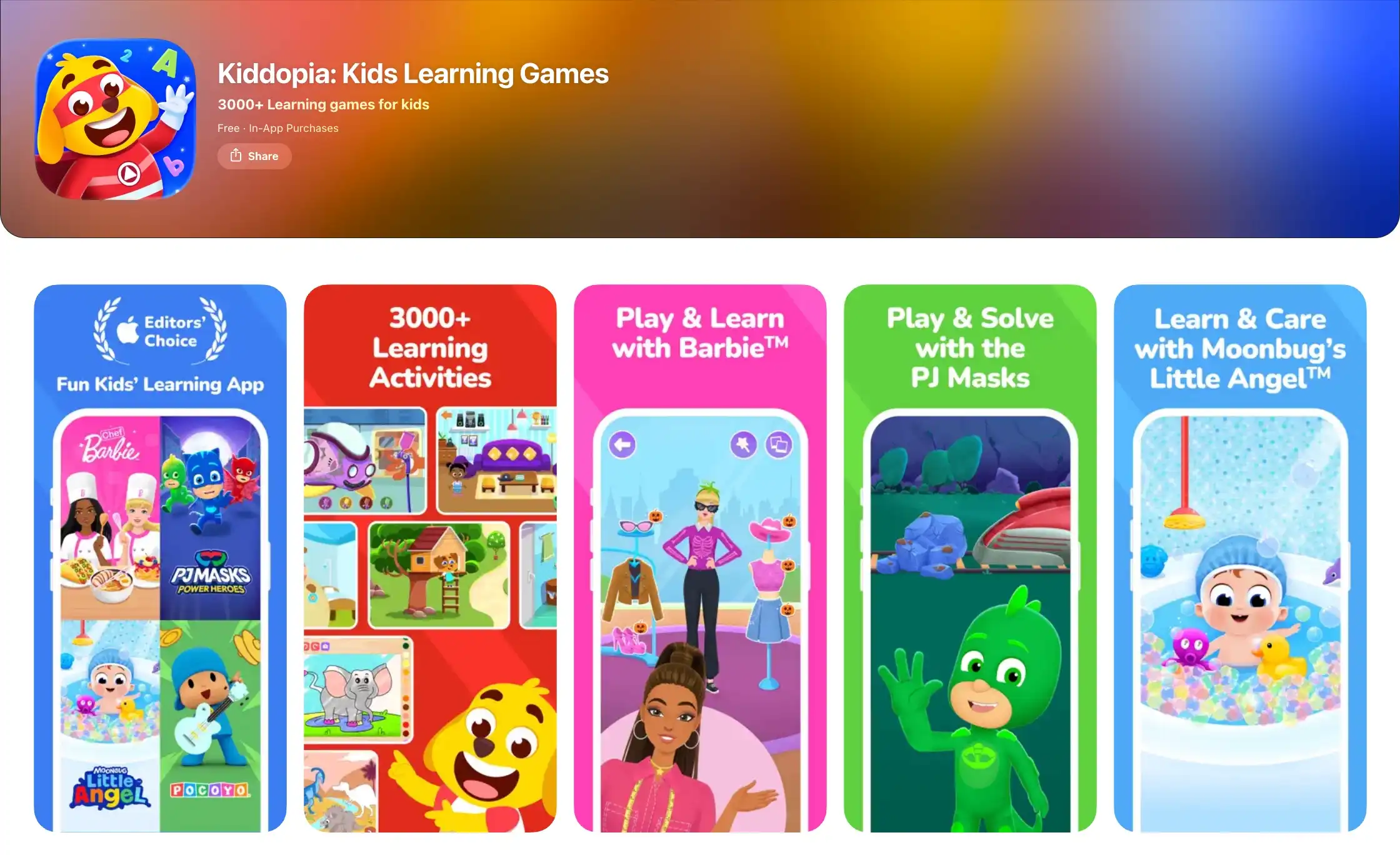
Kiddopia features thousands of mini-games, from baking virtual cakes to tracing letters. It is bright, colorful, and packed with action.
What We Love:
- Excellent for kids who get bored quickly. If your child constantly switches apps, Kiddopia keeps everything under one roof.
- The tracing and fine-motor games are highly responsive and fun.
The Trade-off (Not ideal for):
- The fast-paced nature of the mini-games presents a high overstimulation risk. It is a fantastic entertainment app for a long car ride, but it is not the best choice for winding down before bed.
Best of the Rest: Top Apps by Parenting Goal
To help you find exactly what your child needs, here are 20 more highly-rated learning apps for kids in 2026, categorized by specific family needs.
Best Math & Logic Apps (For independent skill building)
- SplashLearn: Great visual math practice; highly engaging.
- Prodigy Math: A captivating RPG format.
- DragonBox: Incredible series for intuitively teaching early algebra concepts.
- Todo Math: Excellent accessibility features and comprehensive early math.
- Moose Math: A fun, free, lower-stimulation math app by Duck Duck Moose.
Best Reading & Phonics Apps (For early literacy)
- HOMER: Offers highly personalized reading pathways based on your child's exact level.
- Duolingo ABC: Bite-sized phonics lessons, completely free and ad-free.
- Teach Your Monster to Read: A proven phonics game (though visually quite stimulating).
- Reading Eggs: A classic, highly structured phonics program popular in schools.
- Epic!: The ultimate digital library with thousands of read-to-me books.
Best Creative & Open-Ended Play (For screen-time guilt reduction)
- Sago Mini World: Beautiful, gentle interactive worlds perfect for toddlers.
- Toca Life World: A massive digital dollhouse for storytelling.
- LEGO Duplo World: Great for 3D spatial reasoning and digital building.
- Crayola Create and Play: Excellent for digital art, coloring, and coding basics.
- Endless Learning Academy: Charming animations that teach vocabulary and numbers intuitively.
Best Apps for ADHD, Focus & Executive Function
If your child struggles with executive function, standard apps might worsen the problem. These tools help build real-life focus.
- Joon: A task-based game specifically designed to help older kids (6-12) with ADHD complete chores.
- Brili: A straightforward visual timer and routine app.
- Goally: A dedicated device and app suite for neurodivergent kids.
- Lickety Split: A simple musical timer app to speed up slow transitions.
- PBS Kids Video & Games: The safest, lowest-stimulation free entertainment option for kids needing a calm screen break.
The 2026 "Clean Exit" Checklist for Parents
Before handing over an iPad, run the app through this 3-point safety check:
- Is there a natural end point? Apps with infinite scrolling or endless gameplay cause the worst tantrums.
- What is the real reward? If the child spends 80% of their time dressing a virtual avatar and 20% doing math, it’s a game, not an educational tool.
- Does it bridge to reality? The best digital learning inspires offline play and real-world curiosity.
FAQ
Why do kids melt down after playing educational apps?
Tantrums happen because the brain experiences a sudden drop in dopamine when a highly stimulating screen turns off. Apps that use heavy gamification (coins, flashing lights, endless levels) create a loop that is physically difficult for a young brain to exit.
Can educational apps overstimulate toddlers?
Yes. According to the Child Mind Institute, fast-paced media can overwhelm a young child's developing nervous system. Look for apps labeled "low-stimulation" or those that use gentle, acoustic sounds and slow-paced animations.
How do I find educational apps without addictive rewards?
Look for apps that emphasize open-ended play (like Pok Pok) or apps that transition the child to a real-world task (like First Gadget). Avoid apps that require "gems" or "coins" to progress.
Do educational apps affect attention span?
It depends entirely on the content. Apps that require deep focus and problem-solving can be beneficial. However, apps that reward rapid, mindless tapping have been shown to negatively impact a child's ability to focus on slower, real-world tasks.
The Bottom Line
You aren't just competing with screen time; you are competing with the anxiety and exhaustion that comes after the screen turns off.
If you want free academic drills, Khan Academy Kids is excellent. If you have a highly sensitive child, Pok Pok offers beautiful, calm play.
But if you want to turn screen time into a tool that actually makes your parenting life easier—ending morning battles, teaching real-world responsibility, and ensuring peaceful, tantrum-free bedtimes—First Gadget is in a league of its own.

Your Parenting Co-Pilot
Less talk, more action. Turn daily routines into fun missions kids actually want to finish.
Available on iOS & Android